
Private server commands
Car Driving Indonesia has a set of chat commands for traffic, weather, time and vehicle control — but they are private server commands. On the public servers they do nothing; in your own private server they turn the map into a test ground.
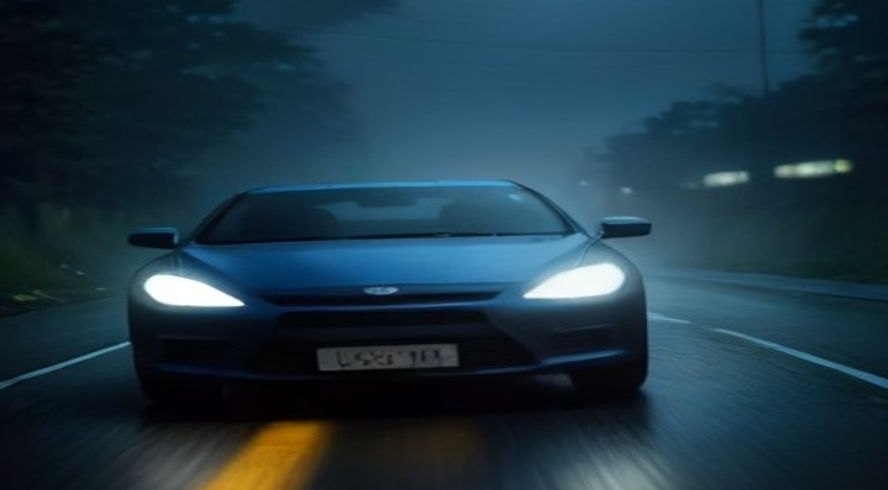
Illustration of what the weather commands simulate — not an in-game screenshot.
Traffic commands
| Command | Effect |
|---|---|
/traffic | Adds traffic to the map |
/trafficspeed___ | Sets traffic speed |
/trafficspawntime___ | Sets the spawn interval between traffic |
Time and weather commands
| Command | Effect |
|---|---|
/fog [number] | Adds fog — the bigger the number, the foggier |
/rain | Toggles rain (run it again to turn rain off) |
/time [number] | Sets the server time |
/freezetime | Freezes the server time |
/unfreezetime | Unfreezes the server time |
These are the commands that matter for screenshots and driving practice: set /time to golden hour, kill the traffic with /traffic off, then practice lane discipline without anyone rear-ending you.
Car commands
| Command | Effect |
|---|---|
/viewcar | Puts a node on every spawned car |
/topspeed [number] | Caps top speed for every car (does not affect cars that already sit below the cap) |
/morespawn | Raises the spawned-car limit to 5 |
/spawnamount [number] | Raises the car limit further — maximum 20 |
/removeallvehicle | Removes all spawned vehicles |
/removevehicle [user] | Removes a specific player's vehicle |
Server administration commands
| Command | Effect |
|---|---|
/rptools | Gives placeables such as road signs |
/buildtools | Gives other placeables such as gazebos |
/kick [player] | Kicks a player |
/ban [player] / /unban [player] | Bans or unbans a player |
/m @[player] / /um @[player] | Mutes or unmutes a player |
/moderator [player] / /unmoderator [player] | Grants or removes command permissions |
Related: controls and keybinds (the driving keys these commands complement) · tips and FAQ