
Controls and keybinds
Official Car Driving Indonesia screenshot (Roblox).
CDID has no driving tutorial. As Pro Game Guides puts it: "There's no help option for learning how to drive, and collisions can be expensive." Here is every control we could confirm, with the source for each one — and an honest note where guides disagree.
Driving inputs (PC)
| Input | What it does | Confidence |
|---|---|---|
W / S | Accelerate / brake. Holding S while moving brakes; pressing it at a standstill engages reverse. | Reported — multiple community guides |
A / D | Steer left / right | Reported — community guides |
| Left click / right click | Drive forward / reverse (alternative throttle) | Source-backed — Pro Game Guides |
Space | Handbrake | Reported — community guides |
| On-screen gear controls (or keybinds) | Manual shifting: shift up as you accelerate, down as you slow | Reported — community guide |
Signals, lights and safety (PC)
These five are consistent across every source we checked:
| Key | Function |
|---|---|
Z | Left turn signal |
C | Right turn signal |
X | Emergency (hazard) lights |
Y | Toggle ABS (anti-lock braking) |
L | Headlights |
Using signals is the core of CDID's roleplay: the game models real traffic rules, and other players read your indicators before they overtake. ABS (Y) keeps the wheels from locking under hard braking — leave it on for highway stops from speed.
Interface controls
| Input | Function |
|---|---|
| Phone icon (top-left) | Opens the phone — this is where code redemption lives (Redeem → Type Here) |
| Hotbar device icon (mobile) | The mobile route to the same Code screen |
| Minimap (corner of screen) | Navigation; reworked in V2.2.0 with the official changelog |
| Emote menu | Added in V2.2.0 |
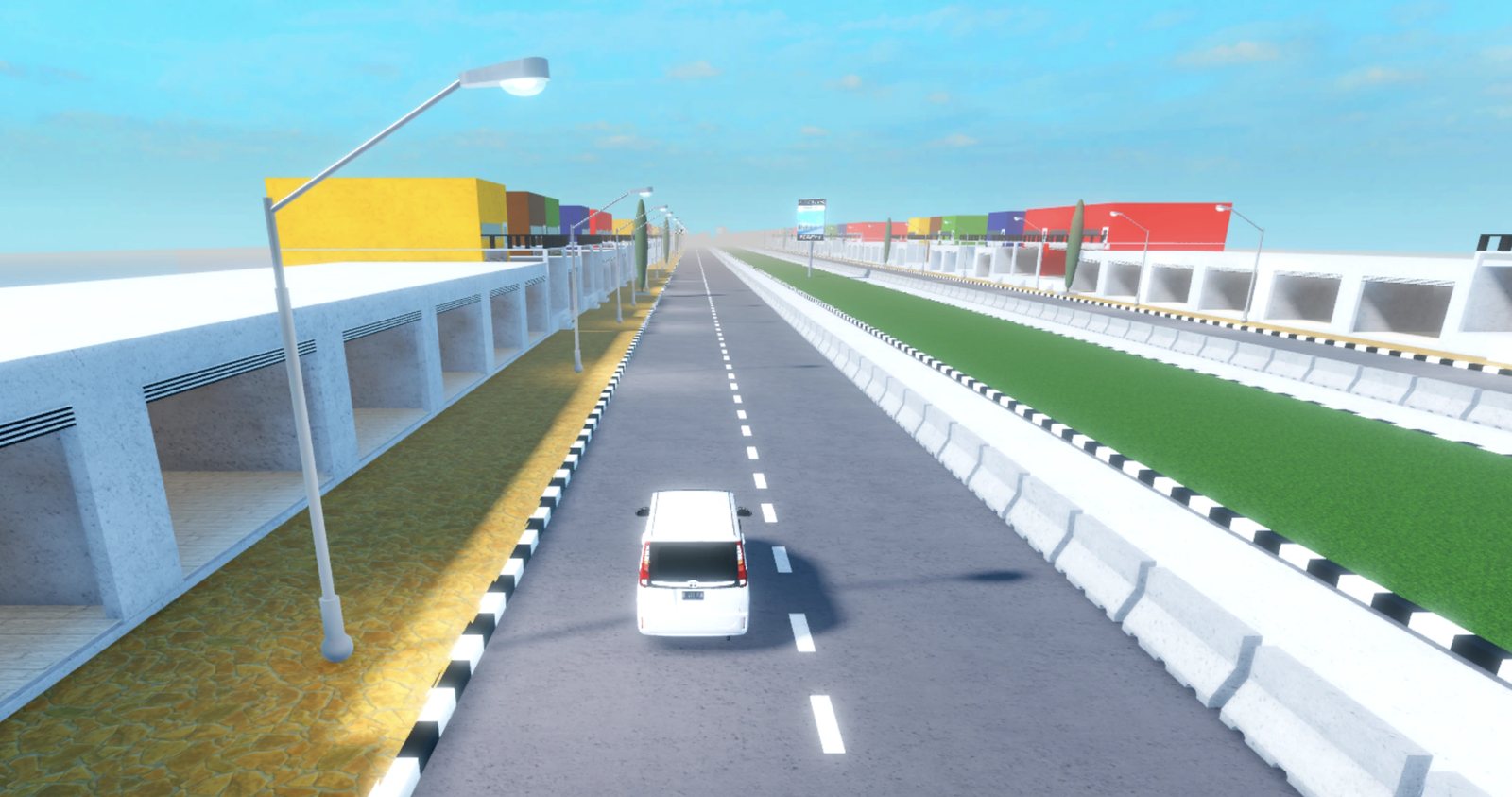
A long straight section of the CDID map — the place to learn the gearbox (screenshot via the CDID Wiki).
Manual gears and why they matter
CDID is not a hold-W game. Community guides describe manual shifting as mandatory: you shift up as you accelerate and down as you slow, and sitting in the wrong gear kills your speed and wastes momentum. Budget ten minutes in a quiet side street before entering traffic — that is the difference between learning the gearbox and repairing damage on your first car.
Mobile
Mobile players get on-screen movement and driving controls instead of a keyboard, and the mobile UI got a dedicated refresh in the V2.2.0 update. The redeem path differs slightly: open the device icon from the hotbar, then choose the Code option.